Quiz night on the telly. Everyone plays on their phone.
No app, no accounts, no faff. Put Quizlo on the TV, everyone scans the code, and you're playing in a minute. Even Grandad. Even from the other side of the world.
Everything a good quiz night needs
No app needed
Any phone with a web browser. Scan the code on the TV and play.
Play from anywhere
Family miles away join over the internet with the 4-letter code.
Pictures, music & video
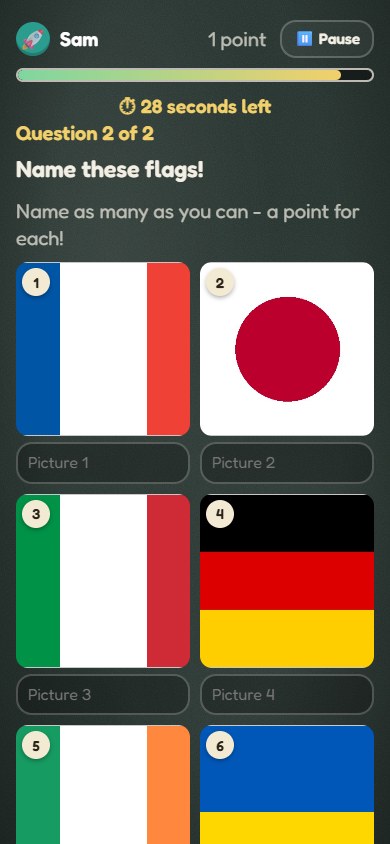
Name that tune, guess the film clip, spot the famous face.
Party rounds
Lightning, buzzer and wager rounds, higher or lower, picture grids and more.
Nobody sits out
No quiz master needed: the first to join starts it, and it runs itself.
A proper finale
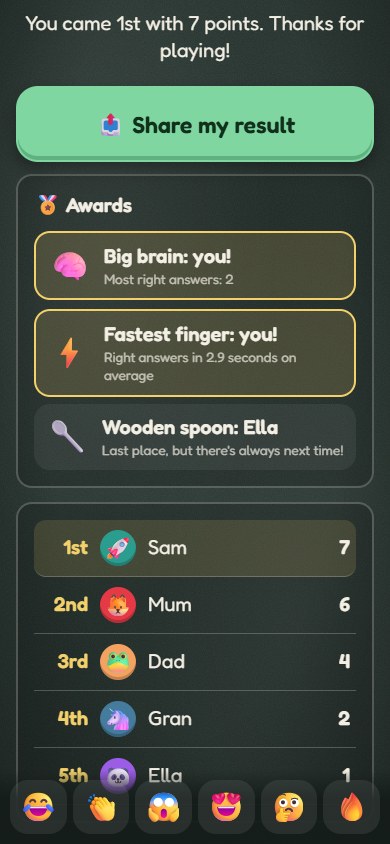
Podium, drum roll, silly awards, and a family league that keeps score.
Easy for everyone
The TV can read questions out. Big A, B, C, D letters, bigger text and high contrast help too.
Write your own
Make a quiz in minutes, pull in songs, clips and photos, share it with a link.
How it works
Put it on the TV
Open quizlo.co.uk on the TV, a laptop plugged into it, or an iPad you AirPlay, and tap Start a game.
Everyone joins
Scan the code with your phone camera, pick a name and an emoji (or a selfie). That's it.
Play!
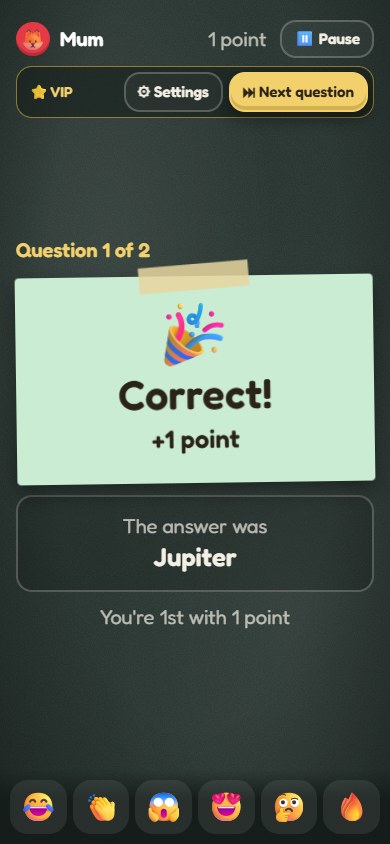
Questions go up on the TV, answers go in on phones. The quiz master's phone is the remote, or let it run itself.
On your phone
Write a quiz
Questions with pictures, music and video. Search online for songs, film clips and photos, preview it on the TV, and share it with a link.
Getting it on the TV
Smart TV: open quizlo.co.uk/tv.html in the TV's own web browser.
Laptop: plug it into the TV with HDMI, open this page and choose Start a game on this screen.
iPad or iPhone: open the TV screen in Safari and use Screen Mirroring to AirPlay it to an Apple TV or AirPlay TV.
Chromecast: open the TV screen in Chrome on a laptop and use Cast → Cast tab.
Fire TV Stick: open quizlo.co.uk/tv.html in the Silk browser.
Quizlo is free. Made by Ki10 Games Ltd, company number 15687835 · Privacy · Terms